[Archive] Coinbase Adapter options parameter is not working

:classical_building: Archived Content from Web3Auth Community
This topic was originally posted by bastien on 10/2/2024.
This content has been migrated from our previous community forum to preserve valuable discussions.


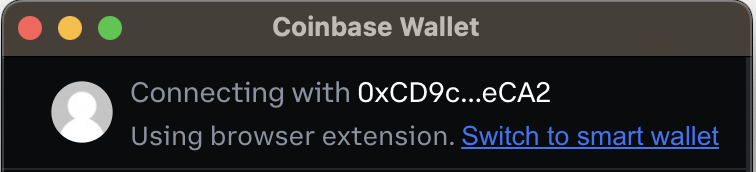
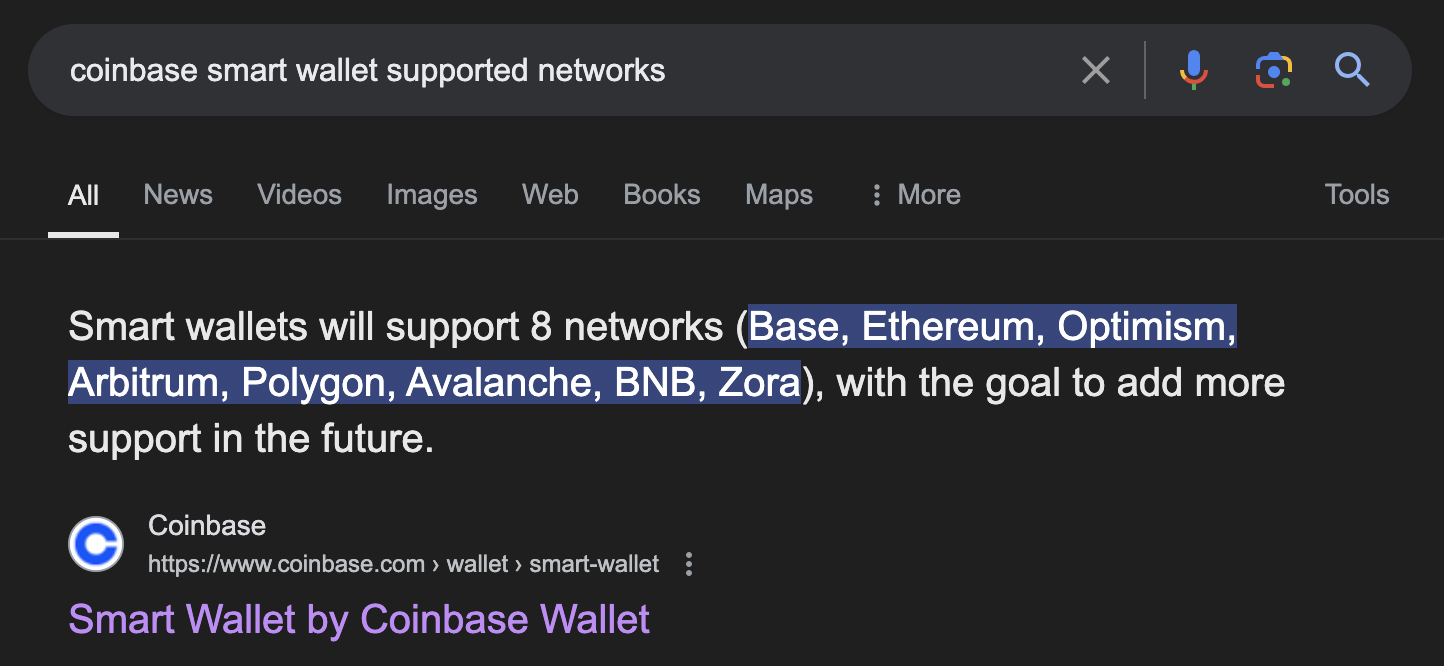
Coinbase Adapter options parameter is not working it could be really useful that this parameter worked because Coinbase Smart Wallets do not work on every network, where if I try to connect with EOA on gnosis it works perfectly fine

Capture d’écran 2024-10-02 à 11.15.43
Capture d’écran 2024-10-02 à 11.15.431444×666 73.6 KB

Capture d’écran 2024-10-02 à 11.27.35
Capture d’écran 2024-10-02 à 11.27.351996×394 60.1 KB

I would expect options: eoaOnly to remove the switch to smart wallet button

Capture d’écran 2024-10-02 à 11.18.28
Capture d’écran 2024-10-02 à 11.18.28756×172 24.1 KB

Here is a full video of what happens when I tried to switch to smart wallet without it being a supported network here I try to connect to gnosis chain

ezgif-7-fc14f5ea0a

  • SDK Version(package.json): 9.0.0
  • Platform: PNP - REACT - No Modal SDK
  • Browser Console Screenshots:
  • If the issue is related to Custom Authentication, please include the following information (optional):
    • Verifier Name: no
    • JWKS Endpoint: no
    • Sample idToken (JWT): no

Here is minimal reproductible code I used:

Hey Silhol, thanks for providing all the details about the issue you’re facing with the Coinbase Adapter options parameter.

Here’s a quick summary for the support team to facilitate a faster resolution:

  • SDK Details: Web3Auth PnP Web SDK
  • SDK Version: 9.0.0
  • Platform: PNP - REACT - No Modal SDK
  • Issue: Coinbase Adapter options parameter is not working. The specific issue is that the eoaOnly option does not remove the switch to smart wallet button.
  • Details: Related to the point that Coinbase Smart Wallets do not work on every network, especially when connecting with EOA on gnosis.
  • Key Expectation: Setting eoaOnly should remove the switch to smart wallet button.

You’ve provided:

This response is generated by the Web3Auth Bot, a member from the Web3Auth team will review your query soon and provide additional support for resolving the issue.

Hey, sorry for the delays.

I tried reproducing on the latest version 9.2.2, and it’s working properly. Upon using the “eoaOnly” option, it uses the extension. Can you try to update the SDK on latest and check once?

Hello tried updating to latest version still have the option to go on smart wallet with eoaOnly option

ezgif-4-b98528b54d

This option should not appear in eoaOnly mode v

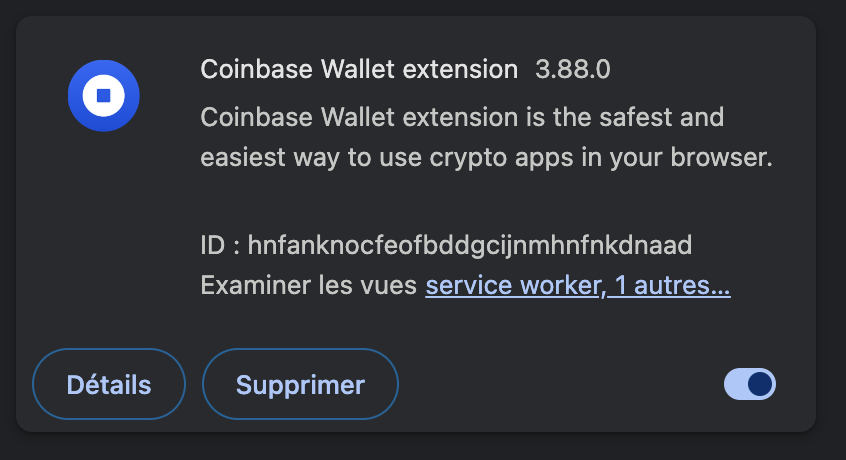
Can you shared the coinbase extension version?

Capture d’écran 2024-10-14 à 03.40.13
Capture d’écran 2024-10-14 à 03.40.13846×460 36.4 KB

3.88.0

Tried on the same version, not able to reproduce the issue. Can you share your code?

Minimal code to reproduce is already provided,
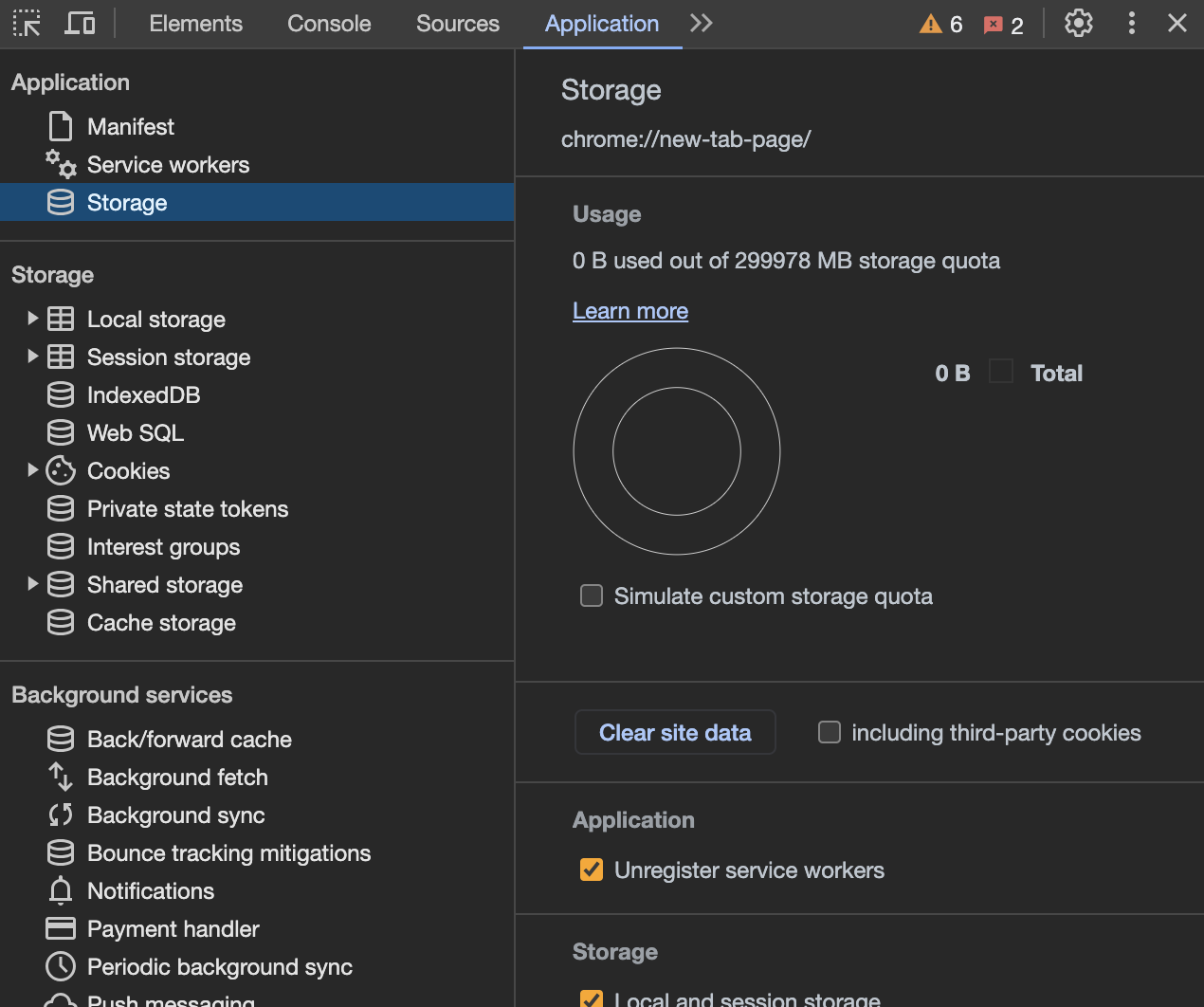
can you click on Clear Site Data or please use incognito mode

Capture d’écran 2024-10-14 à 10.39.32
Capture d’écran 2024-10-14 à 10.39.321270×1062 116 KB

before testing?

Hey @bastien I tried both, it works fine. Can you please join our office hours so we can debug it together? You find details here about Office hours. Web3Auth Developer Office Hours