Archived Content from Web3Auth Community
This topic was originally posted by dev16 on 9/11/2023.
This content has been migrated from our previous community forum to preserve valuable discussions.
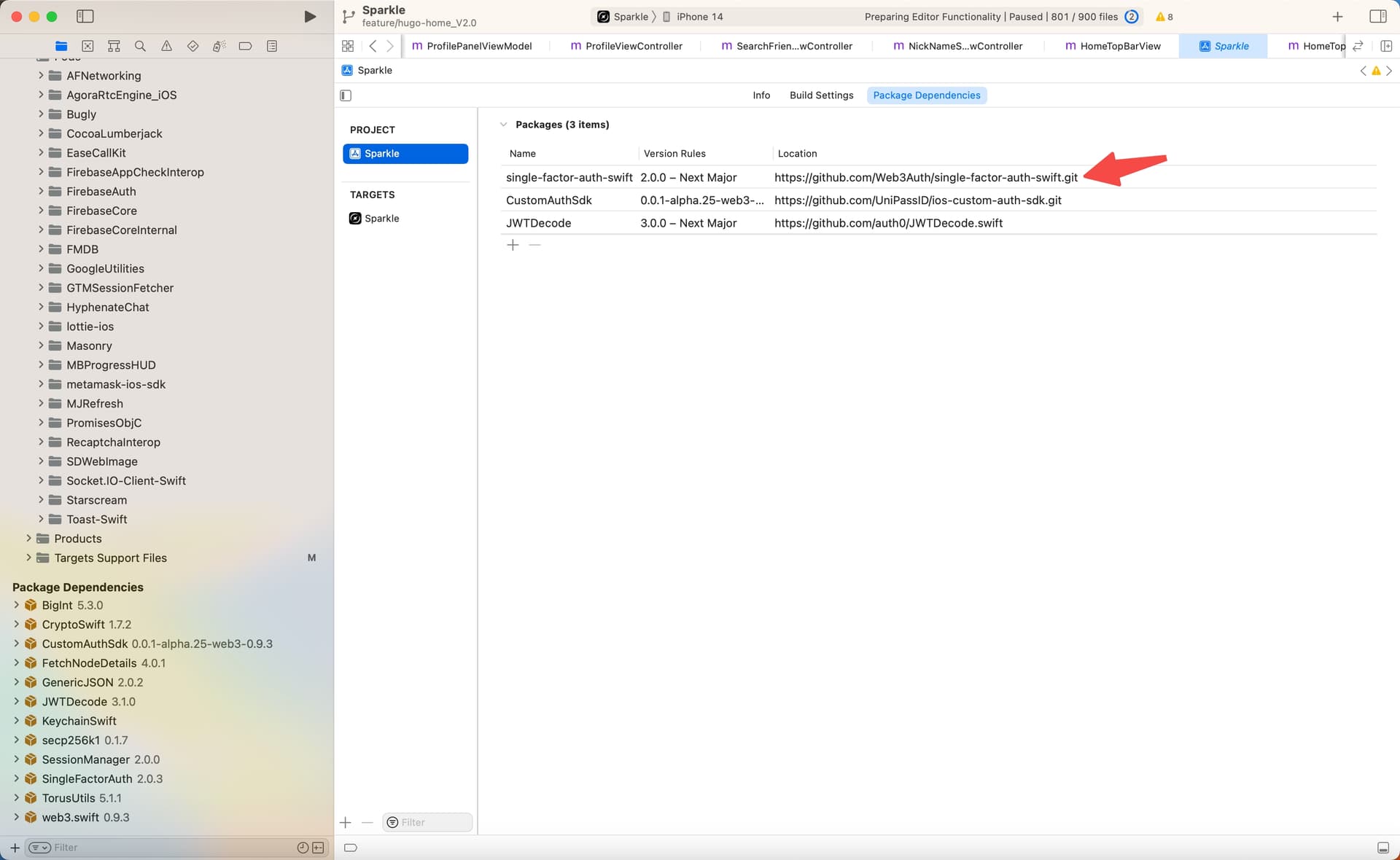
Description of the problem: In an iOS client, I am using the SFA (Secure Field Authorization) method from web3Auth to obtain a public-private key pair. Sometimes it is successful, but sometimes it fails.
code:
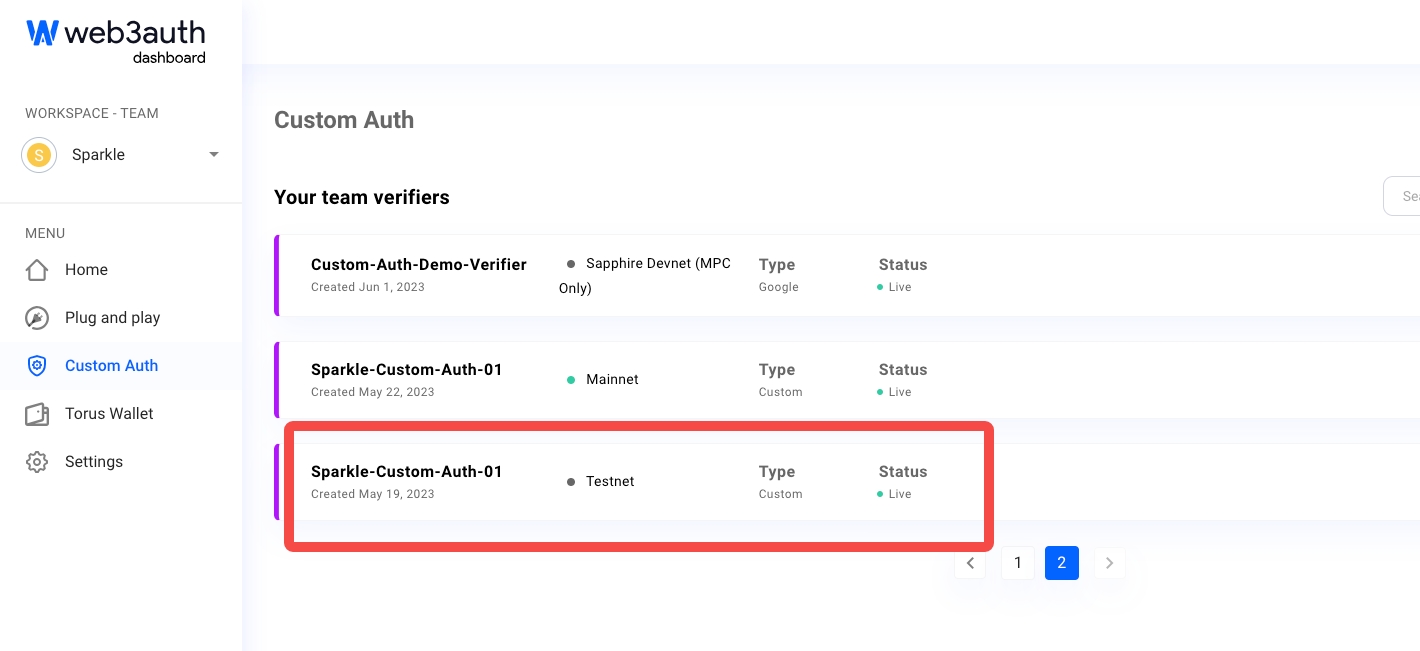
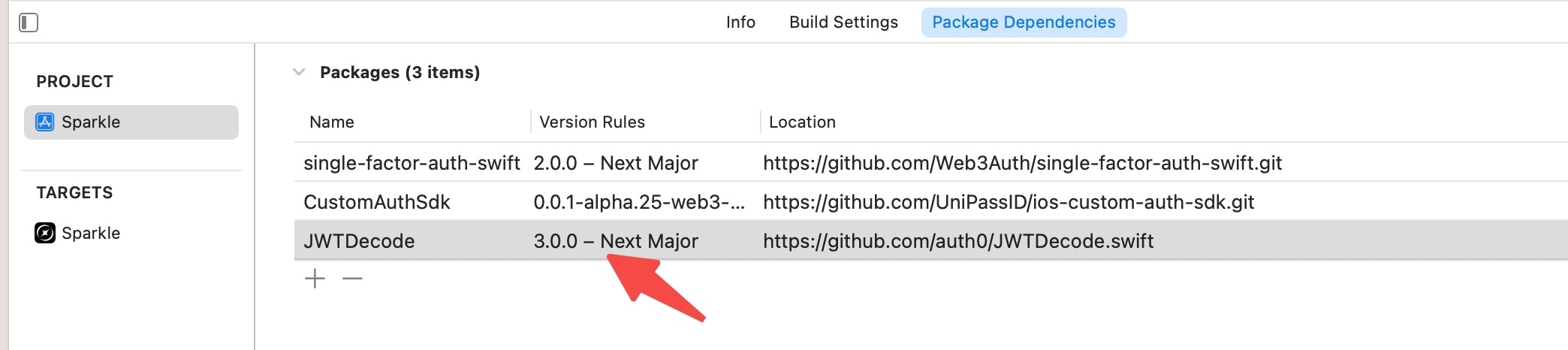
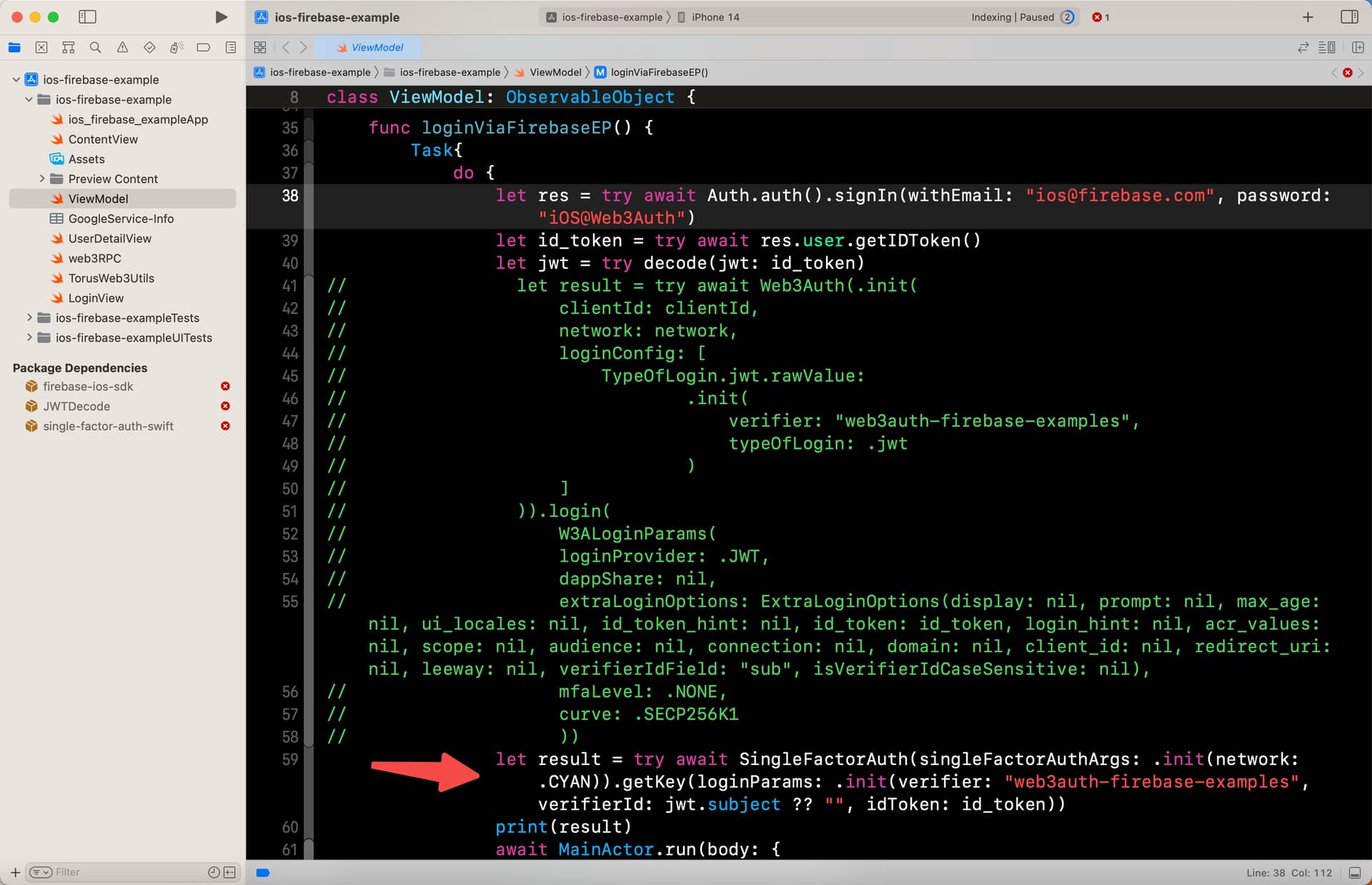
@objc class func getPrivateKeyInfo(idToken: String) async -> [String: Any]? { let jwt = try? decode(jwt: idToken) let verifierId = jwt?.claim(name: "open_id").stringlet authArgs = SingleFactorAuthArgs(network: TorusNetwork.TESTNET) let singleFactoreAuth = SingleFactorAuth(singleFactorAuthArgs: authArgs) let loginParams = LoginParams(verifier: SPARKLE_VERIFIER, verifierId: verifierId ?? "", idToken: idToken) do { let torusKey = try await singleFactoreAuth.getKey(loginParams: loginParams) let privateKey = torusKey.getPrivateKey() let publicAddress = torusKey.getPublicAddress() var infoDic: [String: String?] = [:] if (!privateKey.isEmpty) { infoDic["privateKey"] = privateKey } if (!publicAddress.isEmpty) { infoDic["publicAddress"] = publicAddress } print("Web3AuthInterface getPrivateKeyInfo success.") return infoDic as [String : Any] } catch { print("Web3AuthInterface getPrivateKeyInfo fail, error:\(error).") return nil } }
The parameter “id_token” is:
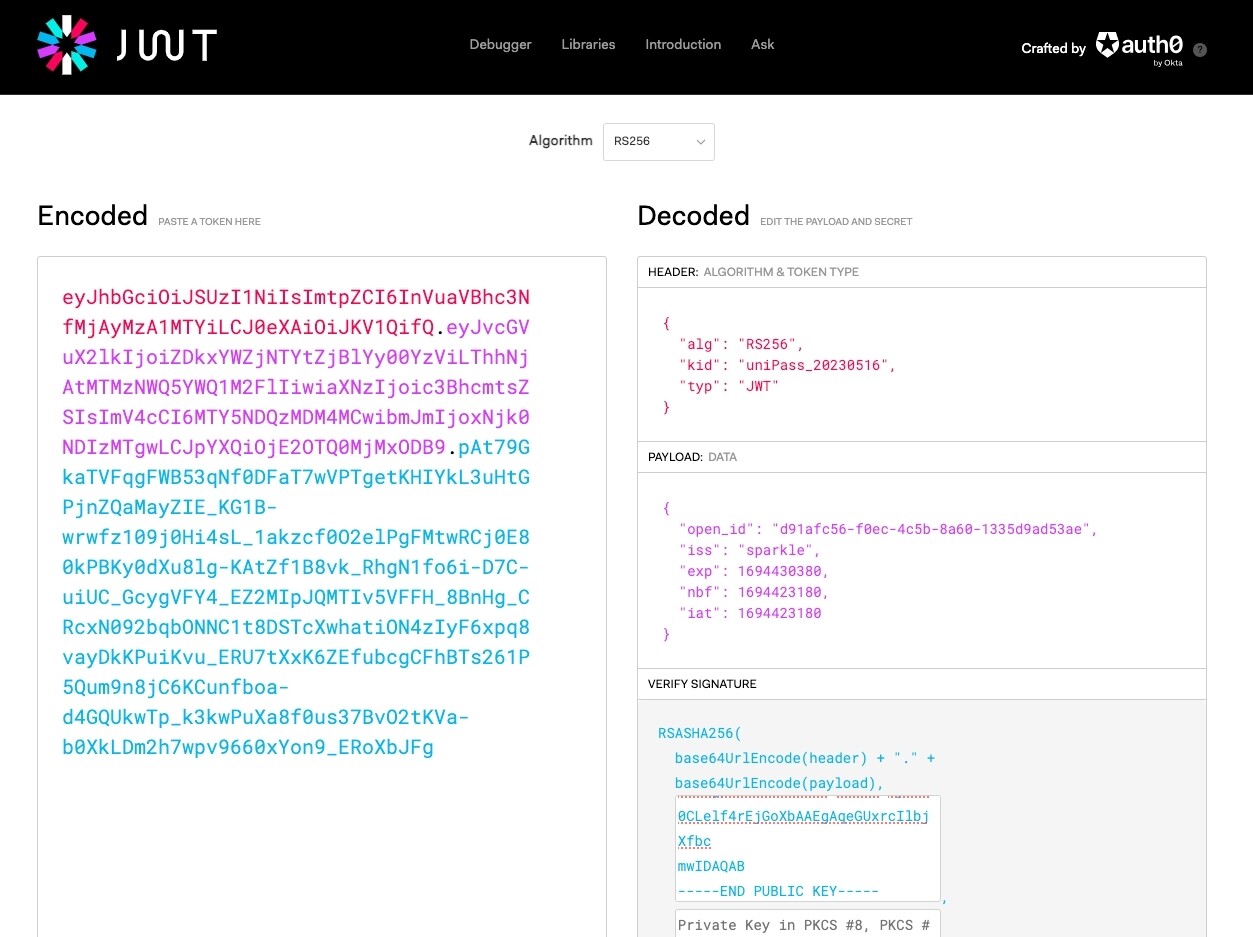
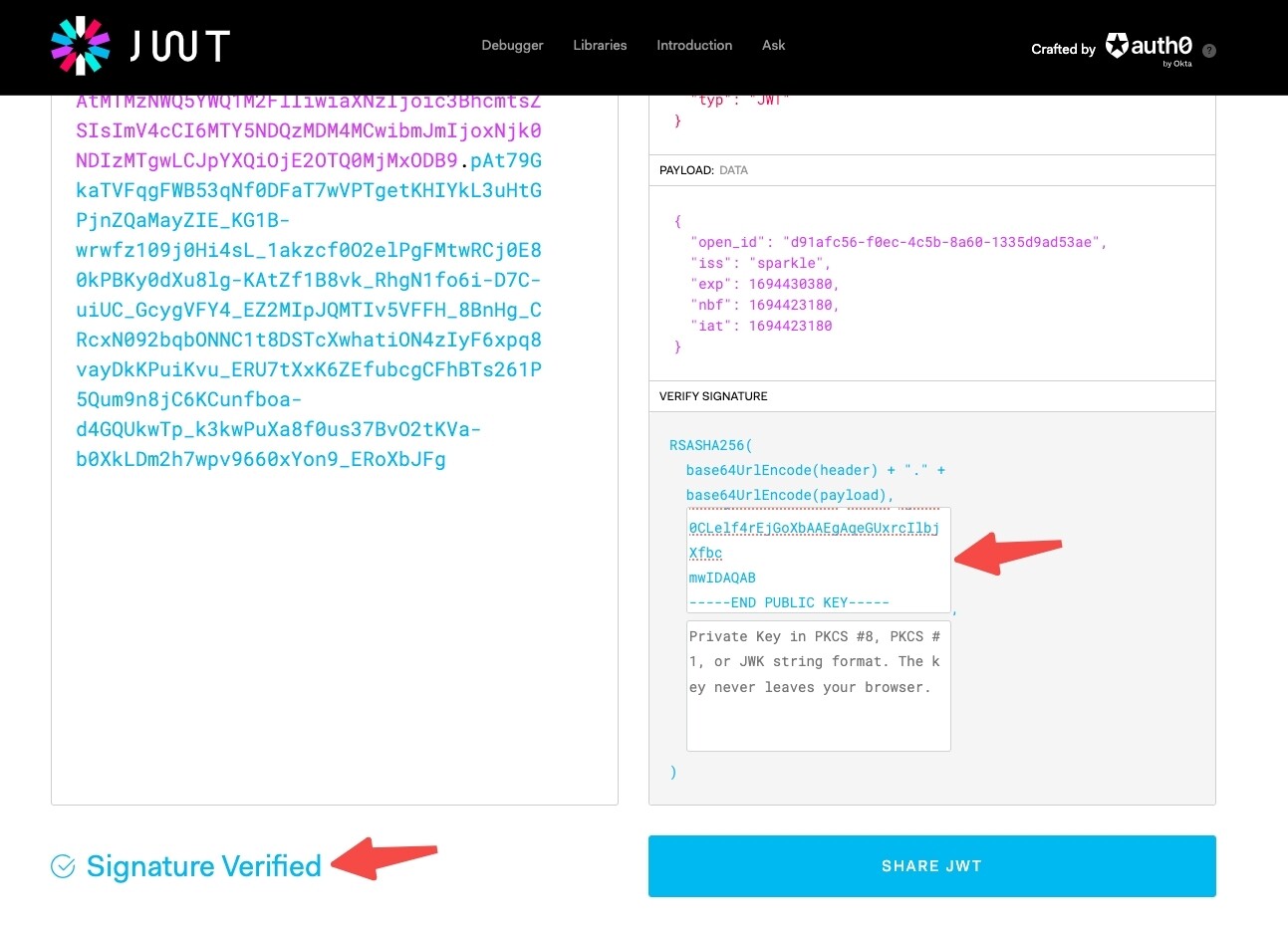
eyJhbGciOiJSUzI1NiIsImtpZCI6InVuaVBhc3NfMjAyMzA1MTYiLCJ0eXAiOiJKV1QifQ.eyJvcGVuX2lkIjoiZDkxYWZjNTYtZjBlYy00YzViLThhNjAtMTMzNWQ5YWQ1M2FlIiwiaXNzIjoic3BhcmtsZSIsImV4cCI6MTY5NDQzMDM4MCwibmJmIjoxNjk0NDIzMTgwLCJpYXQiOjE2OTQ0MjMxODB9.pAt79GkaTVFqgFWB53qNf0DFaT7wVPTgetKHIYkL3uHtGPjnZQaMayZIE_KG1B-wrwfz109j0Hi4sL_1akzcf0O2elPgFMtwRCj0E80kPBKy0dXu8lg-KAtZf1B8vk_RhgN1fo6i-D7C-uiUC_GcygVFY4_EZ2MIpJQMTIv5VFFH_8BnHg_CRcxN092bqbONNC1t8DSTcXwhatiON4zIyF6xpq8vayDkKPuiKvu_ERU7tXxK6ZEfubcgCFhBTs261P5Qum9n8jC6KCunfboa-d4GQUkwTp_k3kwPuXa8f0us37BvO2tKVa-b0XkLDm2h7wpv9660xYon9_ERoXbJFg
error msg:
error:dataCorrupted(Swift.DecodingError.Context(codingPath: [], debugDescription: “The given data was not valid JSON.“, underlyingError: Optional(Error Domain=NSCocoaErrorDomain Code=3840 “Invalid value around line 1, column 0.” UserInfo={NSDebugDescription=Invalid value around line 1, column 0., NSJSONSerializationErrorIndex=0})))
it indicate the JSON is invalid from error msg. but it seems ok after I parse it. so how can I solve this problem? sometimes it goes well, sometimes it fail. any possiblility from the network?