bjkim
July 19, 2023, 12:08am
1
This topic was originally posted by bjkim on 7/19/2023.
We previously used Google as Login Provider for Custom Auth in PNP No modal.
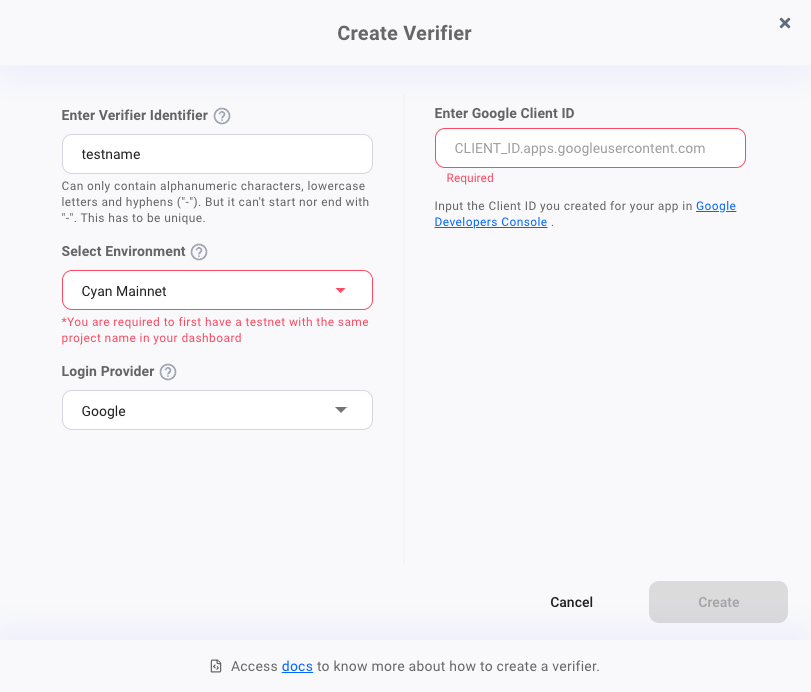
used like this:
However, it seemed that CustomAuth Verifier (Login Provider: Google) could not be used when switching to SFA.
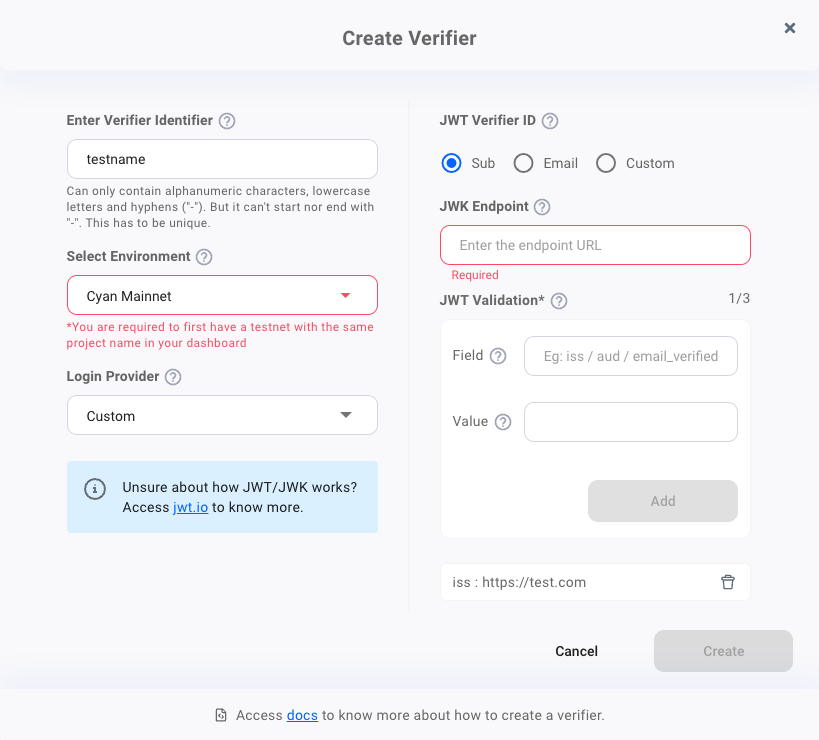
When configuring SFA, should JWT be configured by itself after setting Verifier’s LoginProvider to Custom?
like this??
Or can I use it with Login Provider set to Google?
vjgee
July 19, 2023, 3:56am
2
@bjkim Thanks for your recent post.
Your request has been forwarded to our team and we will get back before the updates.
It’s possible to migrate from PnP to SFA, but it only works for those users who have not enabled MFA. Please set usePnPKey: "true" when instantiating the Web3Auth (Initializing Core Kit SFA Web SDK | Documentation | Web3Auth ).
You can reuse the Custom Auth verifier with Google login provider in SFA. You need to pass idToken from Google login as a param to method connect() (Usage of Core Kit SFA Web SDK | Documentation | Web3Auth )
The error Error occurred while verifiying params: email not equal to body.email... seems that idToken sent is not valid.
bjkim
July 24, 2023, 2:10am
4
The sub value when decrypting the idToken provided by google was a specific Id value. (ex . sub: 116238938292893090}
However, since I did not enter this value(sub) and directly entered the e-mail received in the verifierId, the login was successful.
it works!
    const web3authSfaprovider = await web3authSFAuth.connect({
        verifier: 'custom-auth-verifier',
        verifierId: 'my@myemail.com',
        idToken: '${Google idToken}',
    });
And since usePnpKey is set, the same value as the previously used wallet address is obtained.
Archived Content from Web3Auth Community