This topic was originally posted by hisyam on 9/16/2024.
This content has been migrated from our previous community forum to preserve valuable discussions.
When asking for help in this category, please ensure you provide the following details:
SDK Version (from package.json):
"@web3auth/ethereum-provider": "^8.12.4"
"@web3auth/modal": "^8.12.7"
"@web3auth/web3auth-wagmi-connector": "^6.0.0"
Platform (e.g., Windows, macOS, Linux):
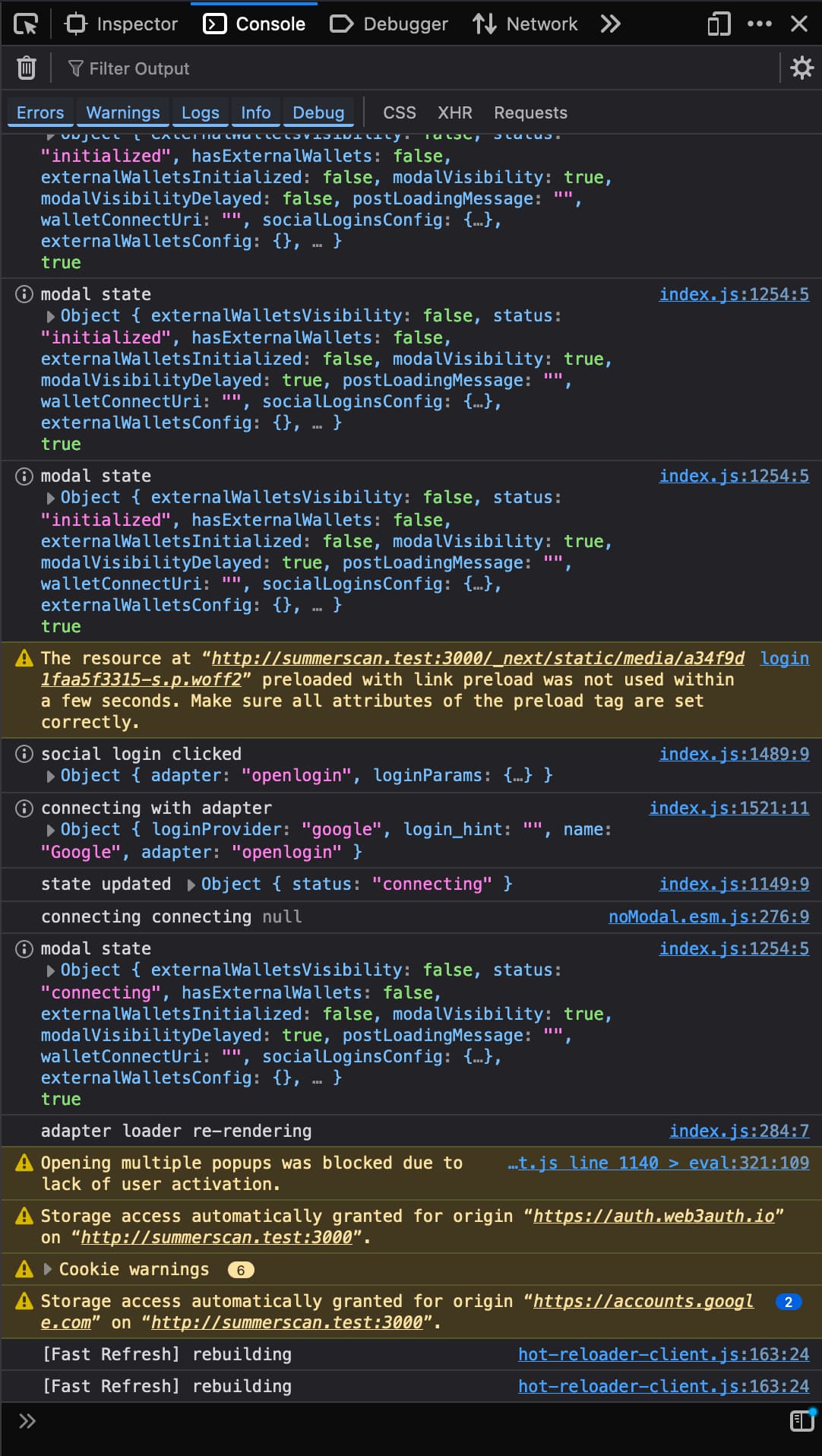
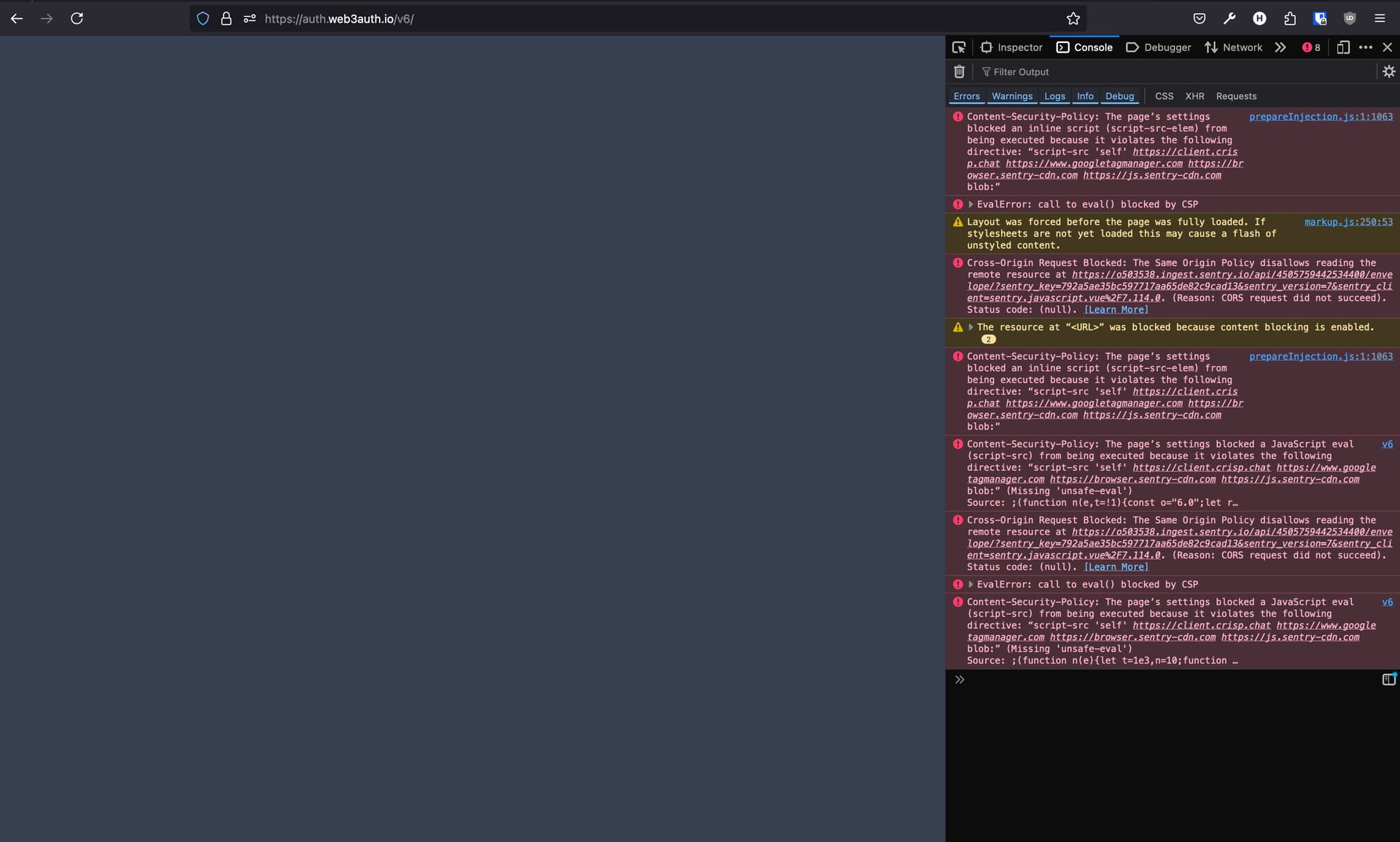
Browser Console Screenshots:
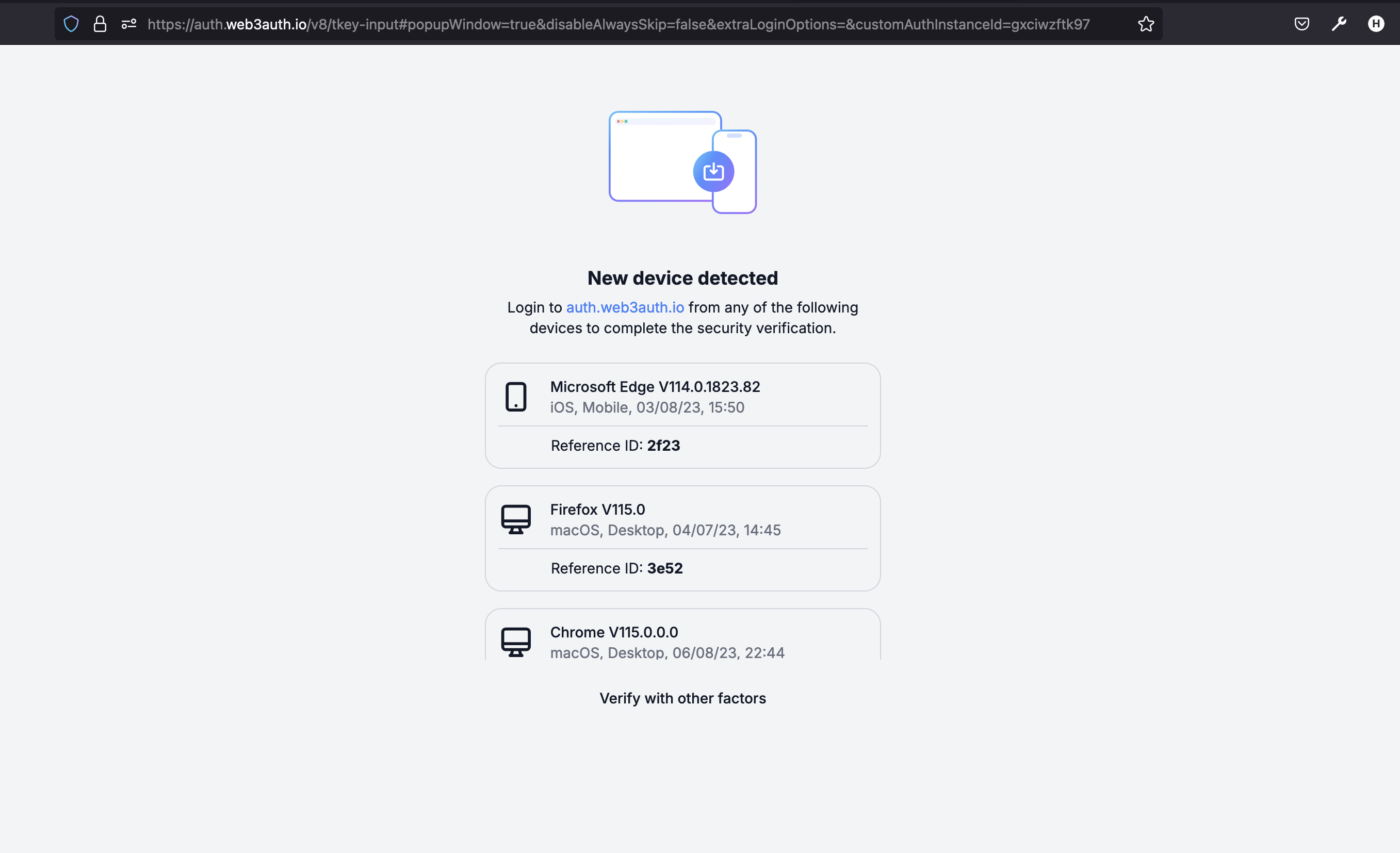
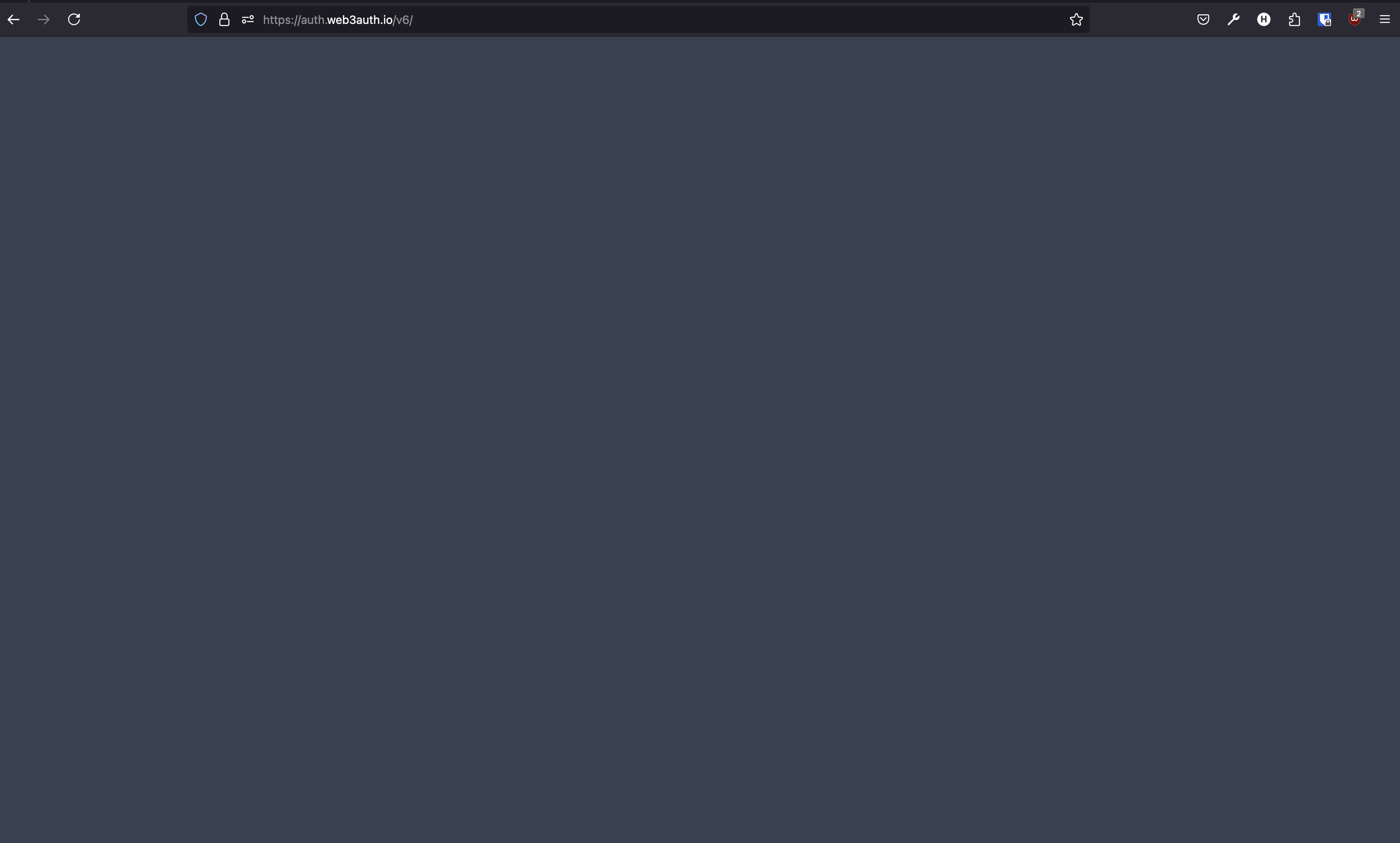
I am encountering an issue where I need to verify via auth.web3auth.io, but the website doesn’t load.
Previously, I successfully verified using app.openlogin.io, but after upgrading the library to version 8, I can no longer verify using the same browser.
Thank you for providing the details and screenshots. It seems like you’re encountering an issue after migrating your Web3Auth Modal from version 6 to version 8. Let’s make sure we have all the information to help you better.
From your initial message, I have gathered the following:
SDKs & Versions:
"@web3auth/ethereum-provider": "^8.12.4"
"@web3auth/modal": "^8.12.7"
"@web3auth/web3auth-wagmi-connector": "^6.0.0"
Platform: (Please specify if it is Windows, macOS, or Linux)
Issue: Needing to verify via auth.web3auth.io but unable to load the website after upgrading to version 8.
It would also be helpful if you could share:
Your Web3Auth initialization and login code snippets.
Any additional console logs or errors that you might be seeing.
Since you used to verify via app.openlogin.io and it stopped working post-upgrade, there might be changes in the API or endpoints. Checking your code setup might reveal if any settings or parameters need updating.
Please provide the above-mentioned details so the support team can assist you more effectively.
This response was generated by the Web3Auth Bot. A person from the Web3Auth team will come and give a thorough answer to your query as well.
export default function Web3AuthConnectorInstance(chains: Chain[]) {
const firstChain = chains[0];
if (!firstChain) {
throw new Error("No chains provided");
}
// Create Web3Auth Instance
const name = APP_NAME;
const chainConfig = {
chainNamespace: CHAIN_NAMESPACES.EIP155,
chainId: "0x" + firstChain.id.toString(16),
rpcTarget: firstChain.rpcUrls.default.http[0] as string, // This is the public RPC we have added, please pass on your own endpoint while creating an app
displayName: firstChain.name,
tickerName: firstChain.nativeCurrency?.name,
ticker: firstChain.nativeCurrency?.symbol,
blockExplorer: firstChain.blockExplorers?.default.url[0] as string,
};
const privateKeyProvider = new EthereumPrivateKeyProvider({
config: { chainConfig },
});
const modalConfig = {
[WALLET_ADAPTERS.OPENLOGIN]: {
label: “openlogin”,
loginMethods: {
facebook: {
// it will hide the facebook option from the Web3Auth modal.
name: “facebook login”,
showOnModal: false,
},
},
// setting it to false will hide all social login methods from modal.
showOnModal: true,
},
};
You want to use https://app.openlogin.com/ and not auth.web3auth.io. And as of now you won’t be able to verify the new device on previous device. You can use “Verify with other factors” to verify your account.
Archived Content from Web3Auth Community